
The Crew Keys product, by the job it does
One shared fleet. Fewer gaps between scheduling, handoff and return.
Explore the real workflows behind Crew Keys and the everyday fleet problems they address. Pick the task you need to fix, see the current product screen, then go deeper into that feature or try the sample demo.
Explore product features
Plan
Know what can be used and reserve it before the day gets busy.
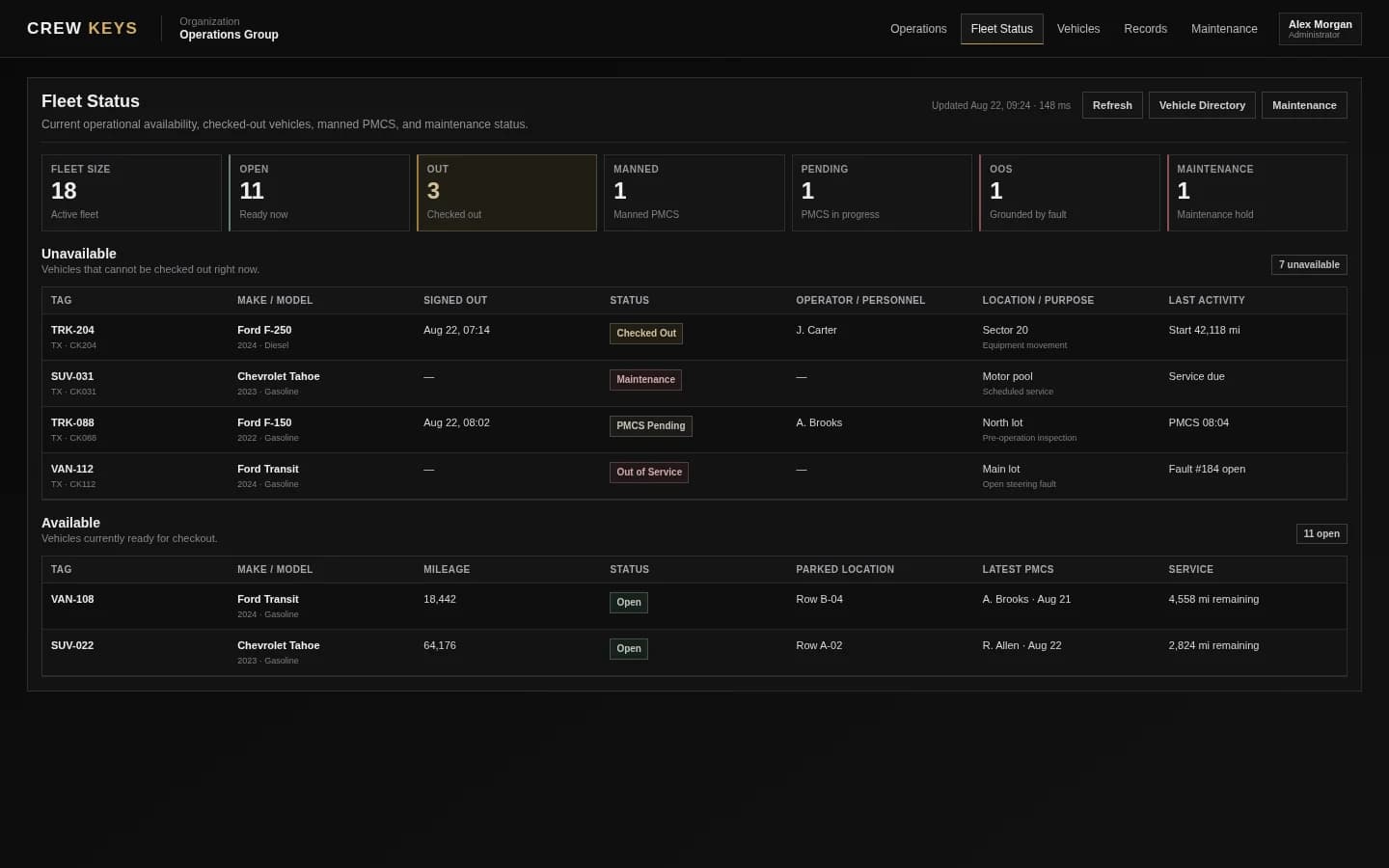
Fleet availability
Problem: Nobody knows which vehicle is ready without calling the desk.
With Crew Keys: See current availability, checkouts and readiness together.
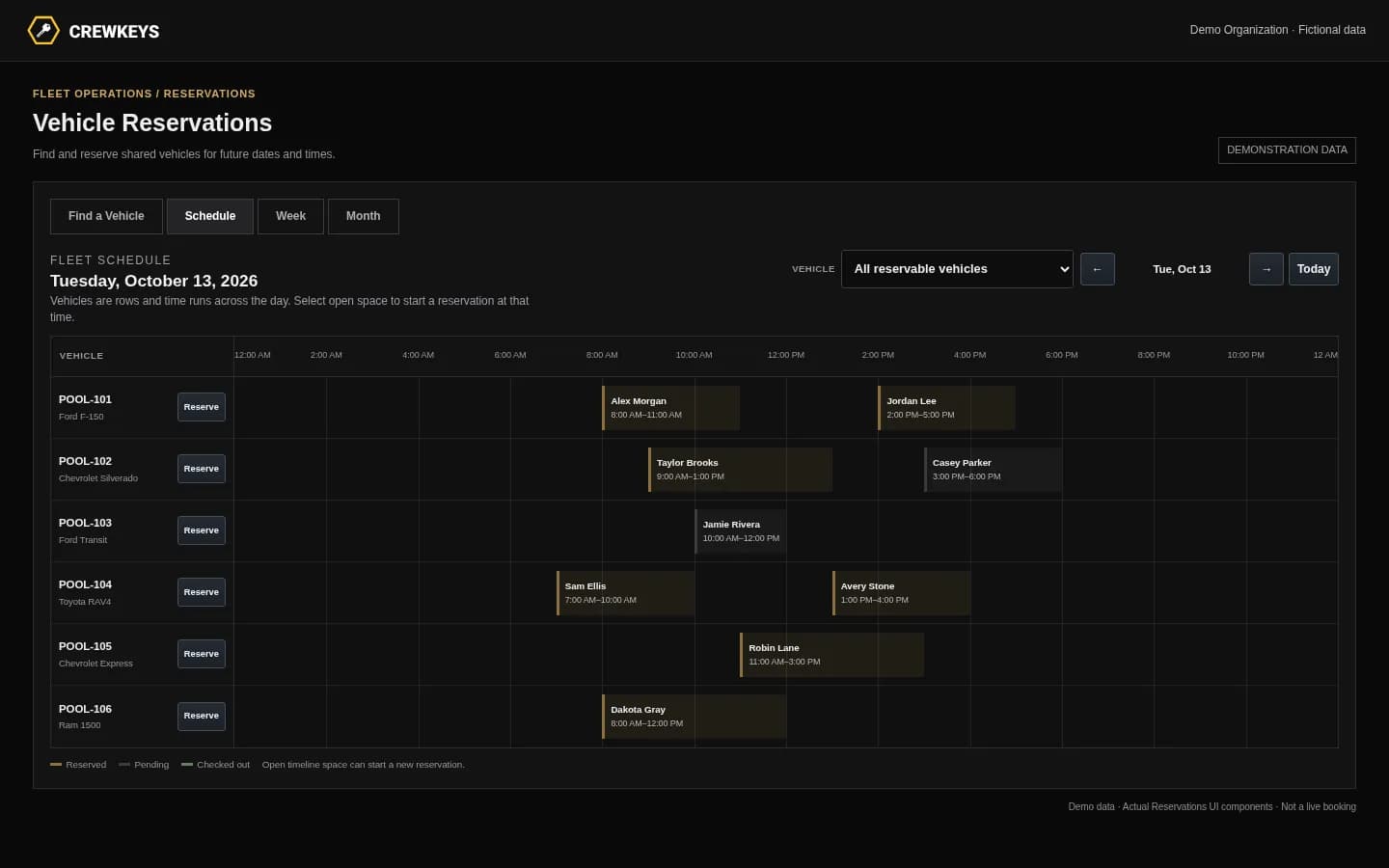
Vehicle reservations
Problem: Two employees plan to use the same vehicle.
With Crew Keys: Schedule shared vehicles and keep bookings separate from actual custody.
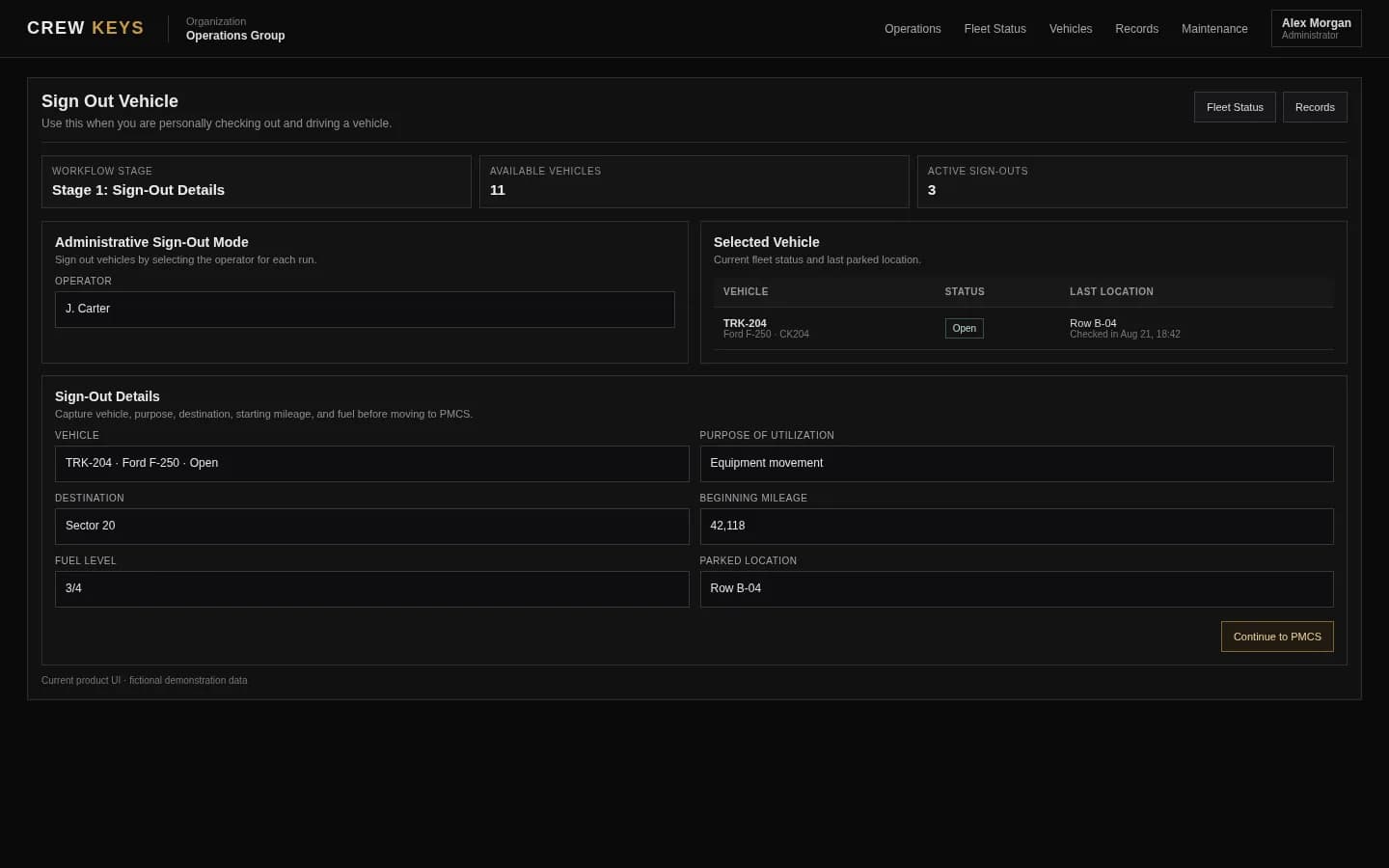
Dispatch coordination
Problem: A coordinator must match a driver to an available vehicle.
With Crew Keys: Record dispatch and the eventual handoff without a separate paper log.
Explore product features
Operate
Keep the vehicle handoff and return accountable.
Checkout & vehicle custody
Problem: A reservation or missing sign-out does not identify who took the keys.
With Crew Keys: Record who actually checks out a vehicle and the reported trip details.

Vehicle return
Problem: The keys come back without mileage, fuel or parking information.
With Crew Keys: Close custody with recorded return details and searchable history.

Phone and QR access
Problem: Drivers cannot get to a desktop every time they use a vehicle.
With Crew Keys: Open the browser-based workflow on a phone, including from a vehicle QR code.
Explore product features
Maintain
Make vehicle condition and unresolved problems visible to the next operator.
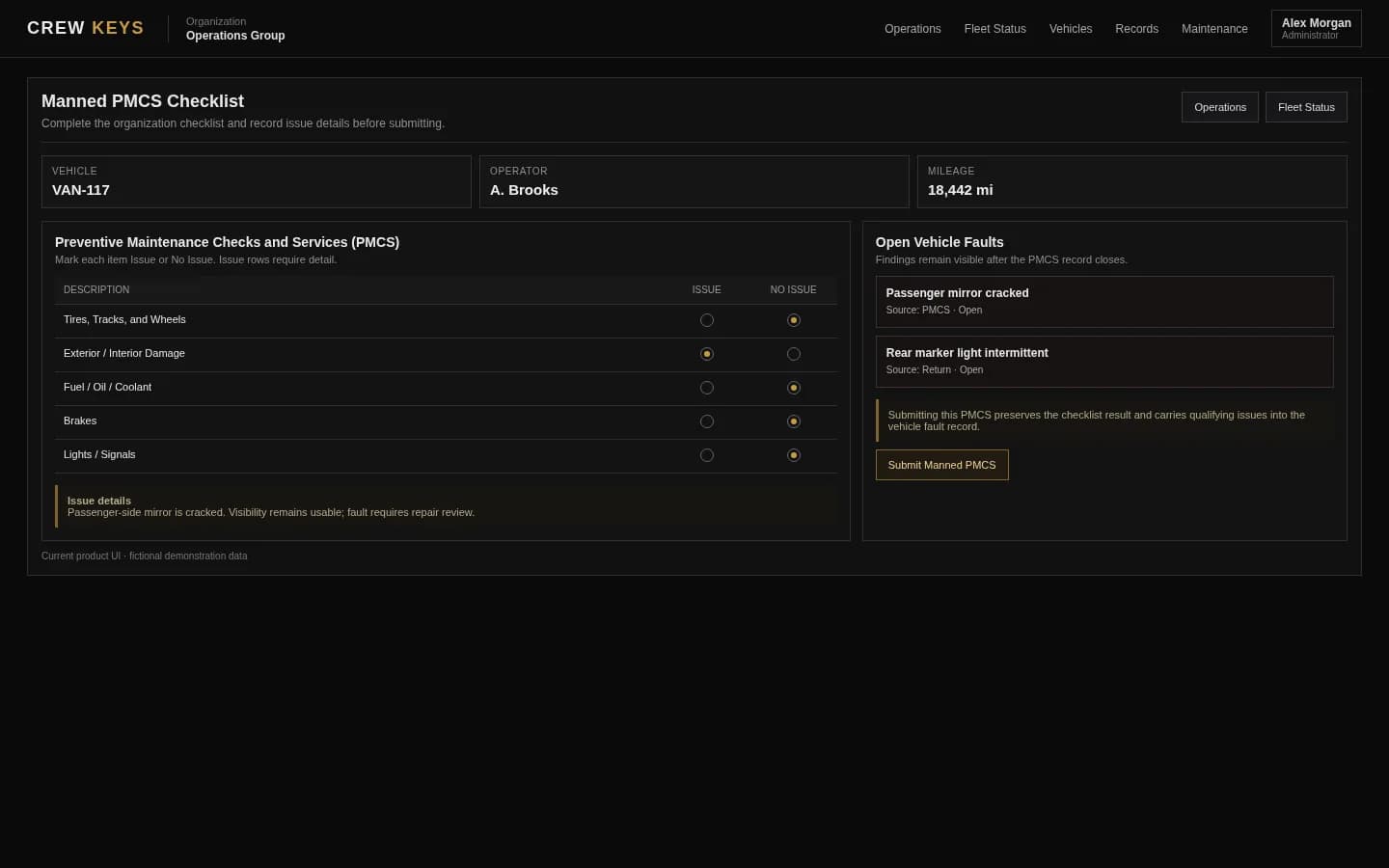
Vehicle inspections
Problem: Condition checks live on paper or never reach the fleet record.
With Crew Keys: Use configurable inspection checks and retain reported findings.
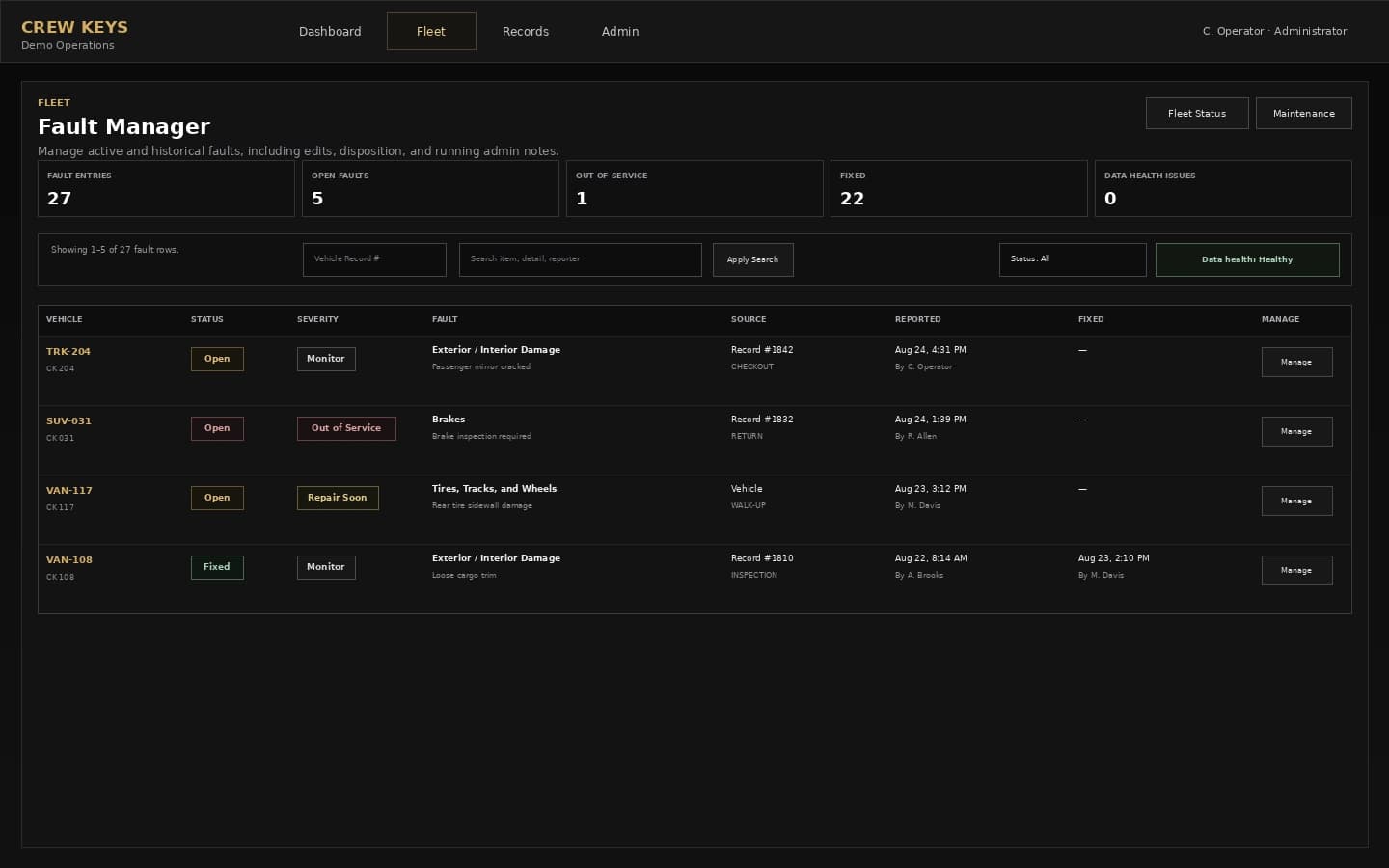
Fault tracking
Problem: A vehicle problem is mentioned in a text and then forgotten.
With Crew Keys: Track reported issues through follow-up and resolution.
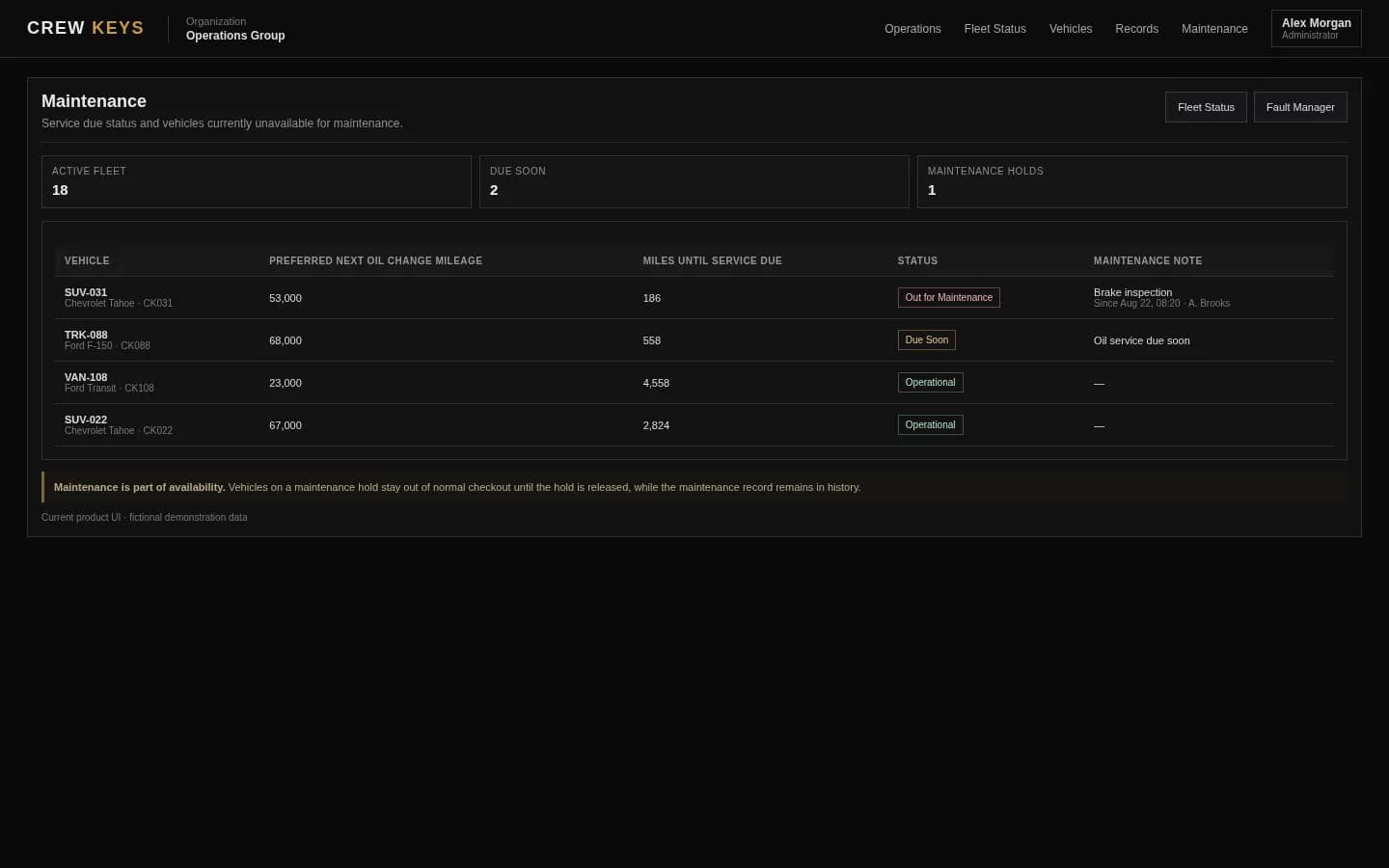
Maintenance tracking
Problem: A vehicle is still shown as usable while service work is pending.
With Crew Keys: Connect service posture, repairs and vehicle readiness.
Explore product features
Manage
Give managers one place to review records and configure the team.
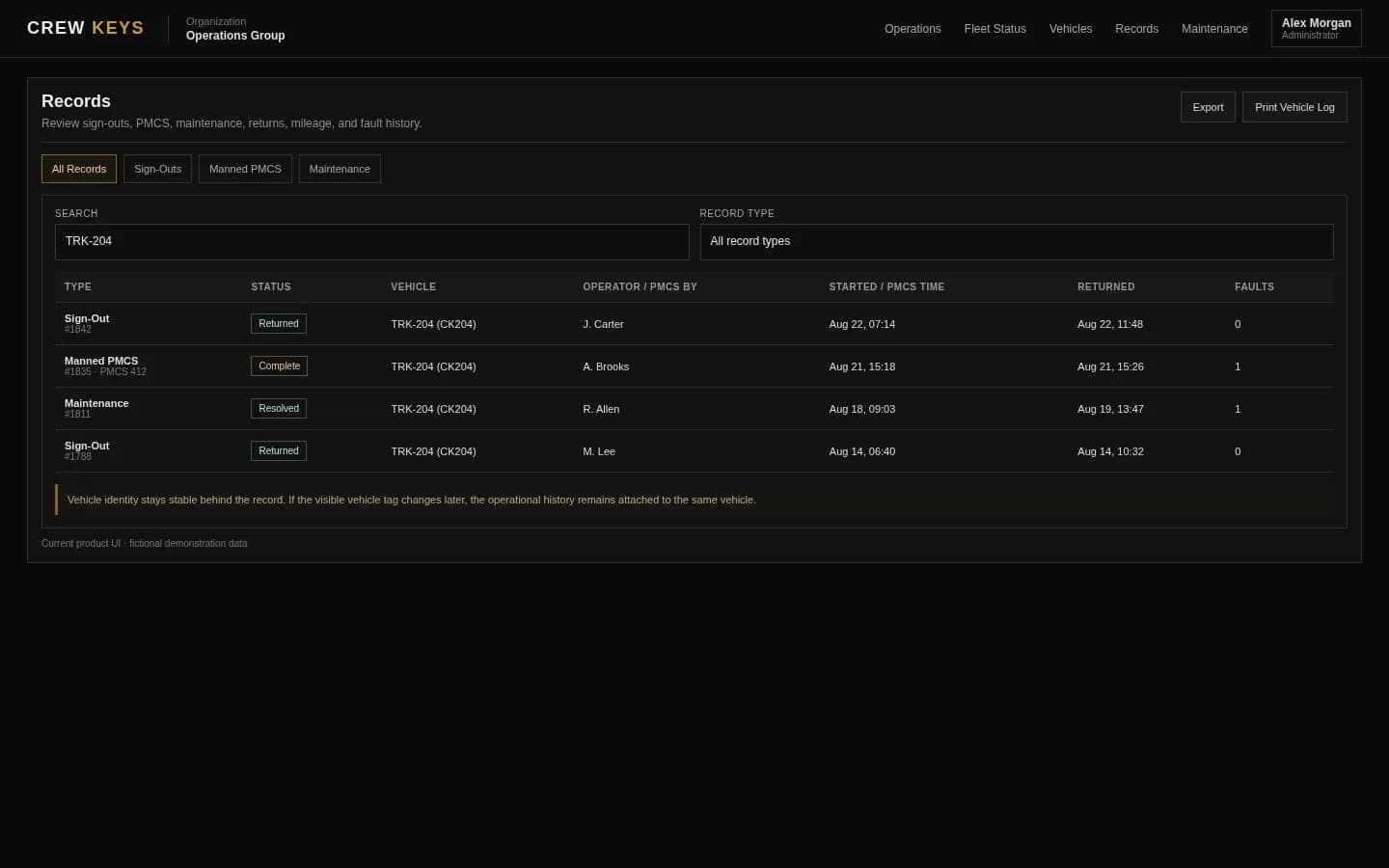
Usage history & records
Problem: Reconstructing a trip takes several spreadsheets and messages.
With Crew Keys: Search reported checkout and return activity in one record.
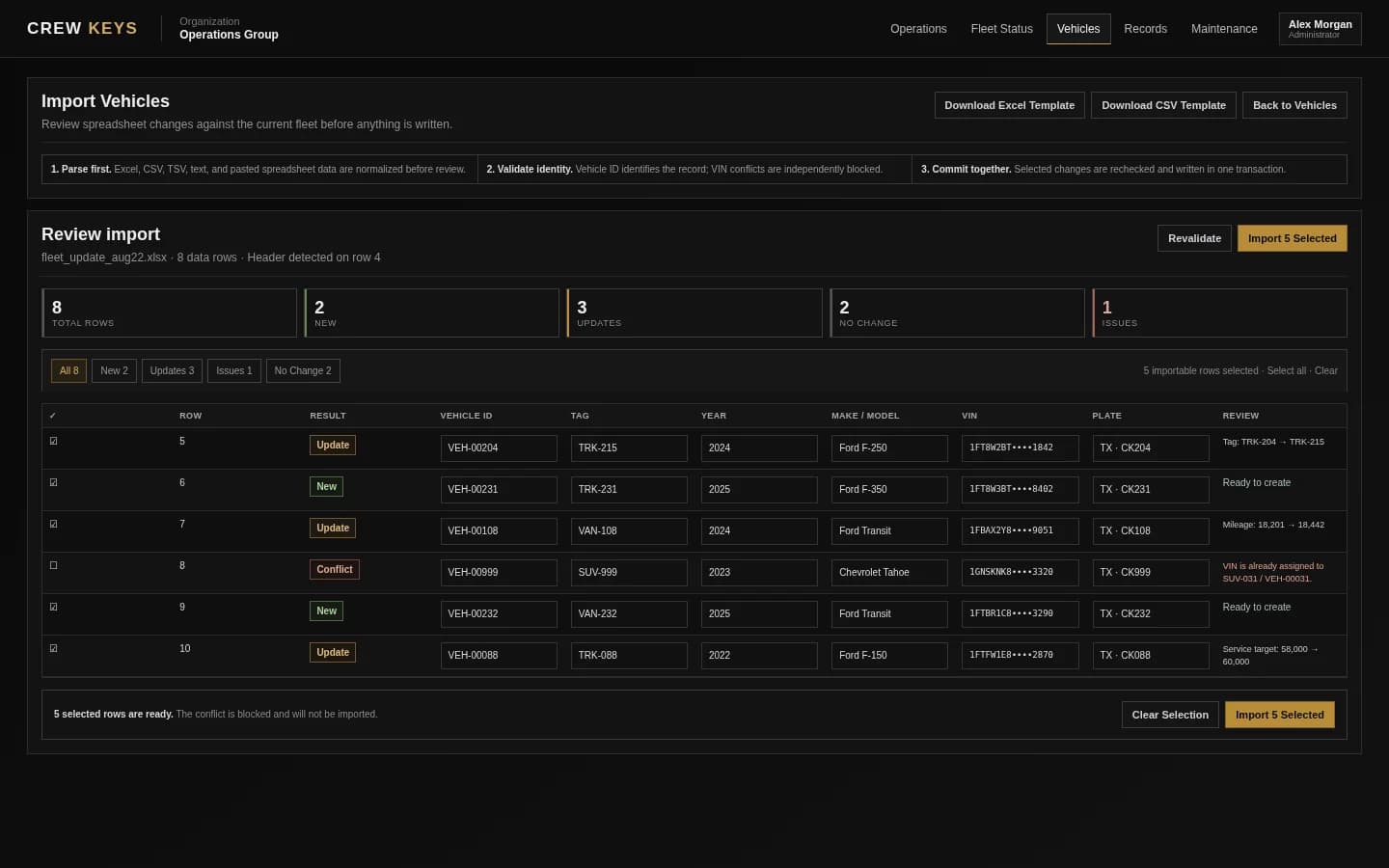
Fleet spreadsheet import
Problem: Re-entering every existing vehicle slows down setup.
With Crew Keys: Review creates, updates and conflicts before importing vehicle data.

Members & access
Problem: Every staff member should not have the same fleet permissions.
With Crew Keys: Give members and administrators appropriate operational access.
Documented real-world use
The workflows are in use, not just on a feature checklist.
A government shared fleet replaced paper sign-outs and binders with Crew Keys. Its published case study documents actual recorded activity. These are observations from that fleet, not promised results for every customer.
Read the government fleet case studyKnow what this software is built for
Accountability without requiring tracking hardware.
Crew Keys records user-entered reservations, vehicle handoffs, condition reports and returns. It does not continuously track GPS position, prove who physically holds a key, or automatically determine responsibility for damage. For physical key custody or cross-site receipt paperwork, visit the free fleet tools library.